Less admin, absorbed by AI

Admin work is the tax on a growing service company. Invoices typed twice, permits chased by text message, receipts photographed and forgotten, and a Sunday spent reconciling the week. AA19 builds the paperwork layer so the office stops running on memory and evenings.

TL;DR

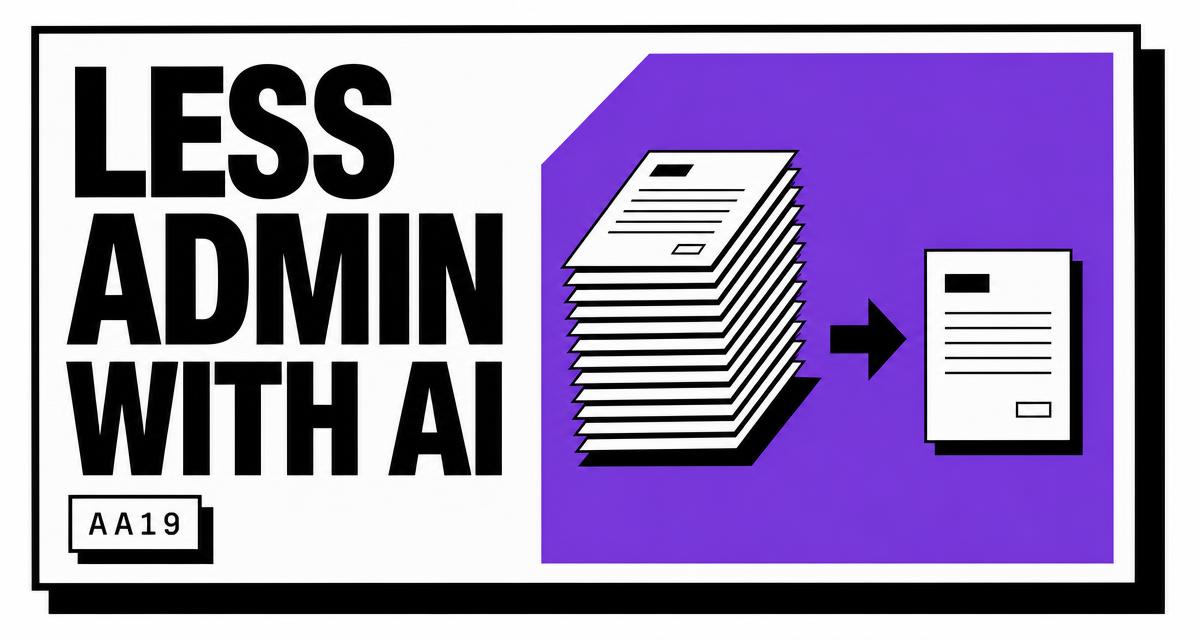
AI reduces admin by running invoicing, document generation, data entry, job costing, and approval routing as governed workflows. Staff review exceptions rather than processing every transaction by hand.

01The problem

Paperwork grows one job at a time

Admin load scales with job count and never with revenue. The same information gets typed into the field app, the CRM, and the accounting system. Invoices get built from job notes days after the work finished, change orders get agreed by text and documented later, and receipts photographed in a truck disappear before month end.

Two costs follow. Cash arrives late because invoices leave late, and job margin stays a quarterly guess rather than a number available the week the crew finished. Hiring an administrator solves the symptom and moves the ceiling by exactly one person.

Symptoms an owner recognizes

  • The same customer detail entered in three separate systems
  • Invoices leaving days after job completion
  • Change orders agreed verbally and never documented
  • Compliance packets assembled by hand for each commercial client
  • Job margin unknown until the accountant closes the quarter
AA19 back office automation generating invoices and job documents for a local service company
02How it works

Less admin, produced by a system.

01

Where the hours go

Duplicate entry between the CRM, the accounting system, and the field app. Manual invoice creation from job notes. Change orders written twice. Compliance documents assembled by hand for each new commercial client.

None of it produces revenue directly, and all of it grows linearly with job count. Headcount ends up hired to keep pace with paperwork rather than to serve customers.

02

Workflows that run without supervision

A completed job converts to an invoice with line items pulled from the work order, photos attached, and payment terms applied. Payment status syncs back to QuickBooks.

Documents get generated from templates: contracts, change orders, warranty registrations, inspection reports, COI requests, and lien waivers. Signatures collect on the same thread.

Job costing pulls labor hours, material costs, and subcontractor invoices into a margin number per job rather than a quarterly guess.

03

Governance keeps it safe

Spend caps, approval thresholds, and QA gates stay under owner control. Anything executed without a human gets logged with the reasoning preserved, which makes the record reviewable at any time.

Exceptions surface with context: an invoice above the auto-send threshold, a change order that moves margin, a document missing a required field.

03Who it fits

Companies this applies to.

Any office drowning in paperwork. Construction firms handling submittals and change orders, remodelers tracking allowances, property managers coordinating work orders across buildings, accounting practices processing client documents, insurance agencies chasing renewals and certificates, law firms assembling intake packets, and every trade sending invoices.

05Measurement

Numbers that prove it moved.

Metric 01

Admin hours per week

Measured before the build and tracked against job volume after.

Metric 02

Days sales outstanding

Invoice send speed and payment collection cycle.

Metric 03

Exception rate

Share of transactions requiring a human decision, trending down over time.

Metric 04

Cost per job processed

Back office labor cost divided by completed jobs.

Manual back office work compared with an AA19 admin system
AreaManual approachAA19 system
InvoicingTyped from job notes when someone finds timeBuilt from the work order with photos and terms attached at completion
Data entryRepeated across CRM, field app, and accountingEntered once and synced across systems
DocumentsCopied from an old file and edited by handGenerated from templates with signatures collected on the same thread
Job costingReconciled at quarter closeLabor, materials, and subcontractor costs rolled into margin per job
ApprovalsChased by text messageThreshold rules routing only what exceeds the line
Audit trailReconstructed from memoryDecision history covering anything executed without review
What a build costs
One-time build. $500 to $10k.

Scope drives the number. Systems, trades, and custom pieces are all listed on the pricing page.

See pricing →
06FAQ

Questions owners ask about this.

Does this integrate with QuickBooks?

Yes. Invoicing, payment status, and job costing sync so the books stay in one place.

Can approvals stay with the owner?

Thresholds get set by dollar amount, customer type, or margin impact. Anything above the line waits for a person.

What about documents unique to the company?

Templates get built from the documents already in use, including formatting, terms, and required disclosures.

Is there a record of automated actions?

A decision history covers anything executed without human review, with the inputs and reasoning preserved.

Will the office staff lose their jobs?

Coordinators shift to customer work and exception handling. Capacity grows without adding an administrative hire.

What does an admin build of this type cost?

Builds run 500 to 10,000 dollars one time, set by how many workflows come in scope. Invoice automation alone sits low. Invoicing plus document generation, job costing, approval routing, and reporting sits at the upper end.

Does it integrate with QuickBooks and the field software?

Invoicing, payment status, and job costing sync with QuickBooks, and work orders flow from ServiceTitan, Jobber, or Housecall Pro. Templates use the documents already in circulation, including formatting, terms, and required disclosures.

How does accuracy hold up without someone checking every transaction?

Validation gates check required fields, totals, and thresholds before anything leaves. Transactions above the auto-send line stop for review, and the exception rate gets tracked so the gates tighten where errors cluster.

What happens with an unusual transaction?

A change order that moves margin, an invoice above the threshold, or a document missing a required field surfaces with the context attached rather than processing quietly. A person decides, and that decision can become a rule.

How long does implementation take?

Two to four weeks for a focused build covering invoicing and one or two document types. Broader scope across costing, compliance packets, and approvals extends the timeline, and workflows go live in stages rather than all at once.
[ Ready ]

Less Admin With AI, built around the way the company runs.